Using Rikidar Authenticator
Once you have an account, you can sign into the many supported services and platforms.
The workflow for signing up is the same on every platform:
- On the platform, click the appropriate button for logging in
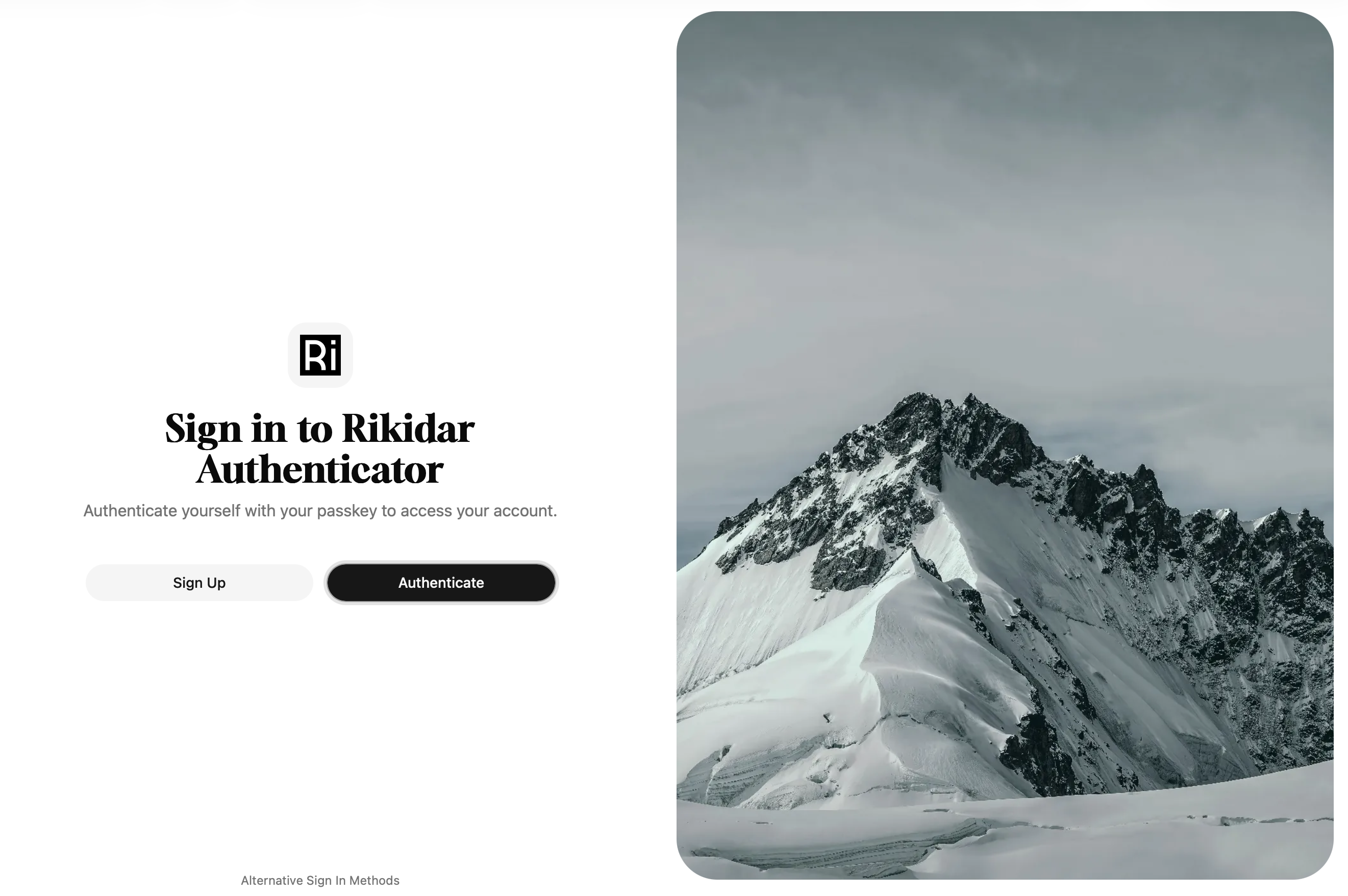
- You will be redirected to a login page:

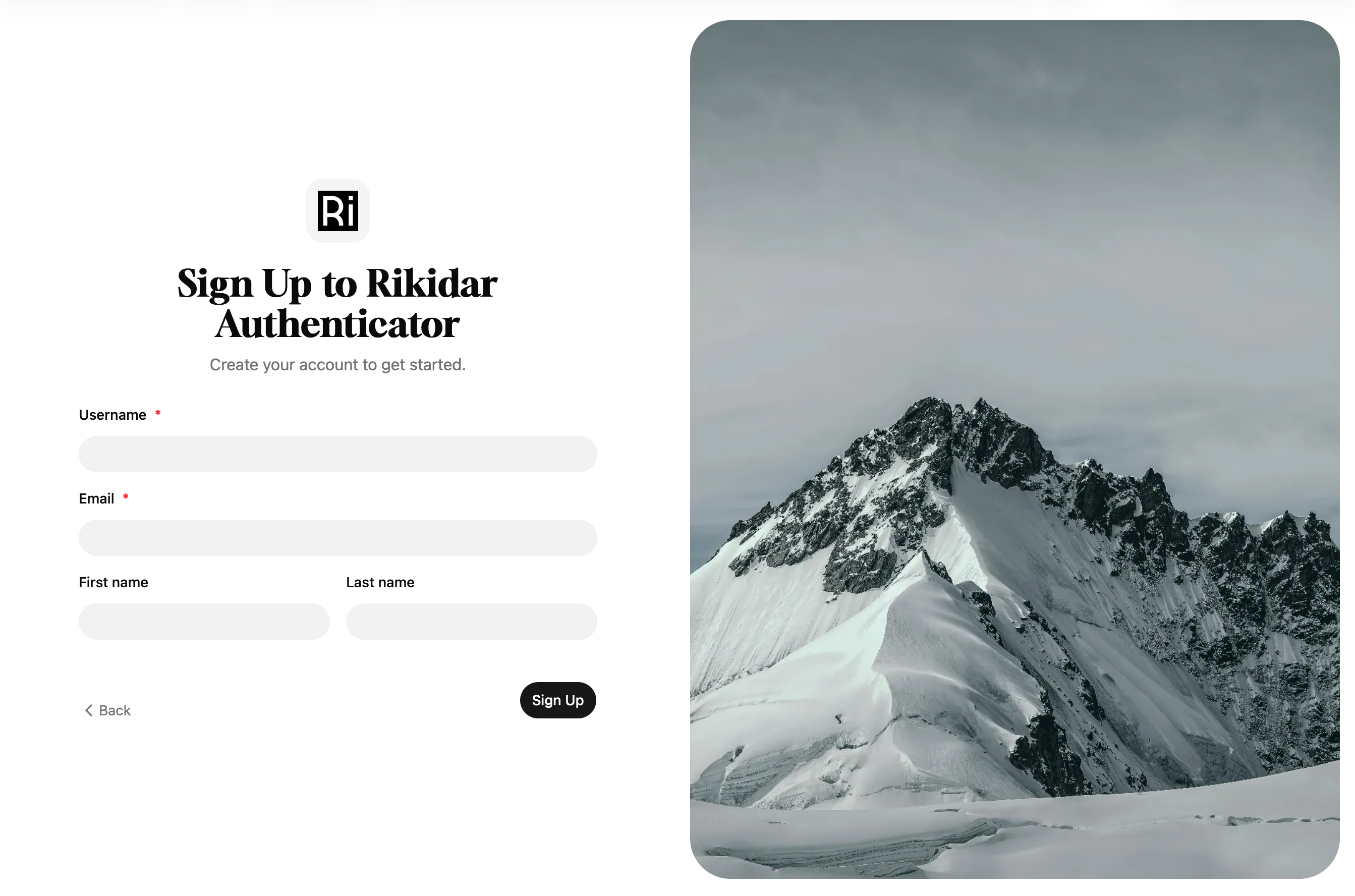
WARNING:
If you see a page that says Sign up to Rikidar Authenticator, you are instead on another page that is used for registrations. In that case, you should report the button that got you there.
- You now have two options on how to log in:
- Click
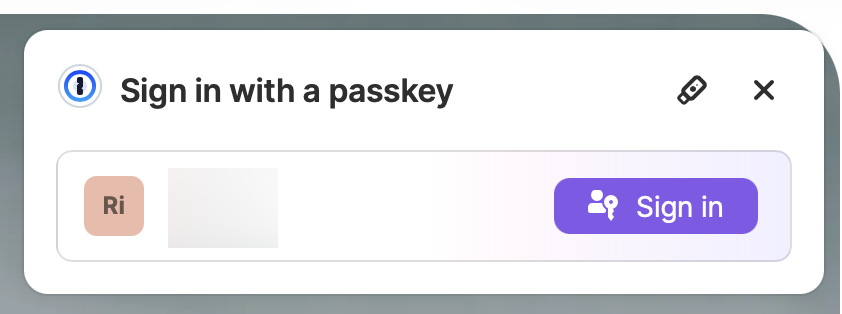
AuthenticateorLog In, which will activate your Passkey workflow of choice
- On the bottom of the page, click
Alternative Sign In Methodsto see other sign-in options, namely:- Sign in with another device: Use a Passkey that you have saved on another device
- Login code: In case you lost your Passkey, used to recover your account
- Click
- You will be logged into the app, and forwarded back