Rikidar Authenticator
The Rikidar-wide Single Sign On solution using PocketID
- What's Rikidar Authenticator?
- How does Rikidar Authenticator work?
- Getting a Rikidar Authenticator account
- Using Rikidar Authenticator
What's Rikidar Authenticator?
Rikidar Authenticator is a Single sign-on service that lets you access all Rikidar platforms with a single account, instead of creating a separate acount for every platform.
These platforms include:
How does Rikidar Authenticator work?
Rikidar Authenticator uses PocketID, a Passkey-only, self-hosted solution for creating and managing user accounts.
Because it supports only Passkeys, you don't need usernames or passwords, which makes it incredibly secure and resistant to phishing attacks. You also don't need to remember any passwords.
| Advantages |
|
| Disadvantages |
|
Getting a Rikidar Authenticator account
To get an account:
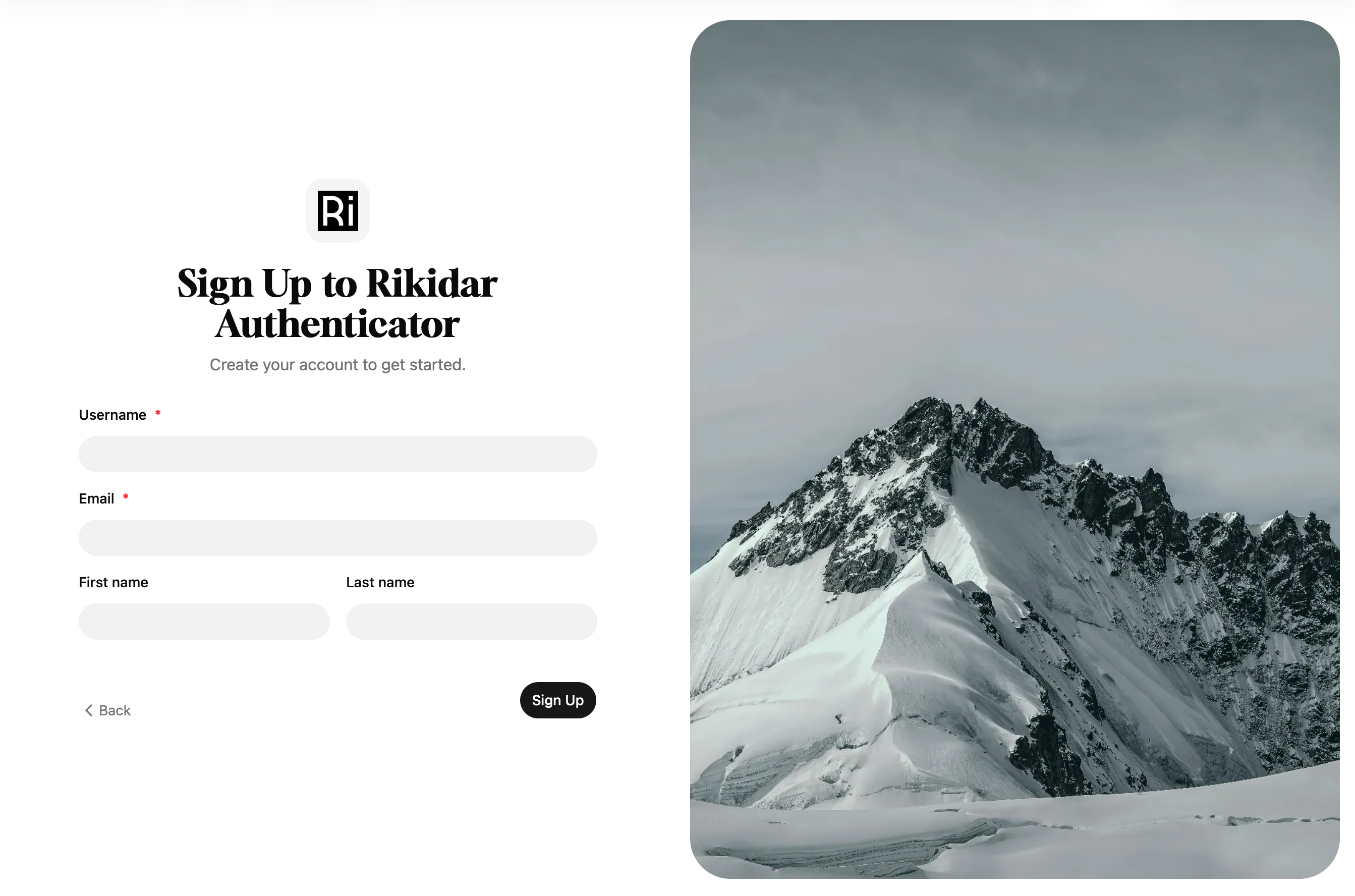
- Go to https://auth.rikidar.eu
- Click
Sign Up - Fill out the required details
NOTE:
TheUsernamefield is your displayed username across all platforms - Click
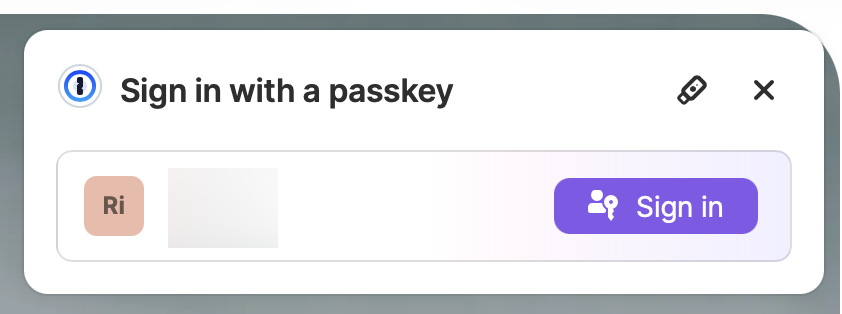
Sign Up - Once prompted, save the Passkey into your manager of choice - which can either be a password manager, or a physical key, such as Yubikey
Your account is now ready for use! Browse through the Community Platforms to learn where you can use it, or jump straight to the most used ones depending on the use:
- Forum for talking about Cork, Groove, etc.
- Weblate for translating Cork, etc.
TIP:
To learn more about Weblate, read its documentation page - Rikidar Code for contributing to code
Using Rikidar Authenticator
Once you have an account, you can sign into the many supported services and platforms.
The workflow for signing up is the same on every platform:
- On the platform, click the appropriate button for logging in
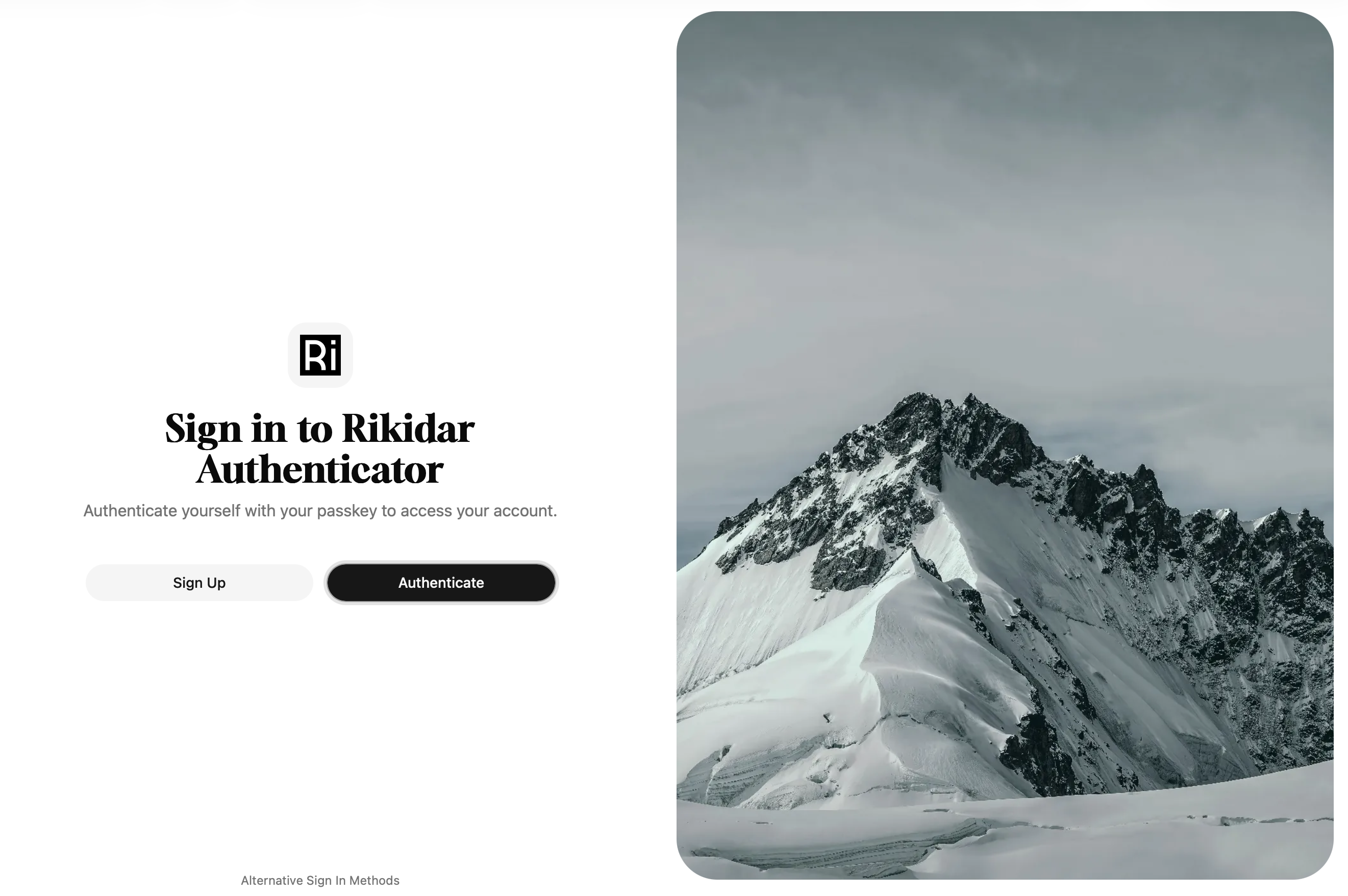
- You will be redirected to a login page:

WARNING:
If you see a page that says Sign up to Rikidar Authenticator, you are instead on another page that is used for registrations. In that case, you should report the button that got you there.
- You now have two options on how to log in:
- Click
AuthenticateorLog In, which will activate your Passkey workflow of choice
- On the bottom of the page, click
Alternative Sign In Methodsto see other sign-in options, namely:- Sign in with another device: Use a Passkey that you have saved on another device
- Login code: In case you lost your Passkey, used to recover your account
- Click
- You will be logged into the app, and forwarded back